
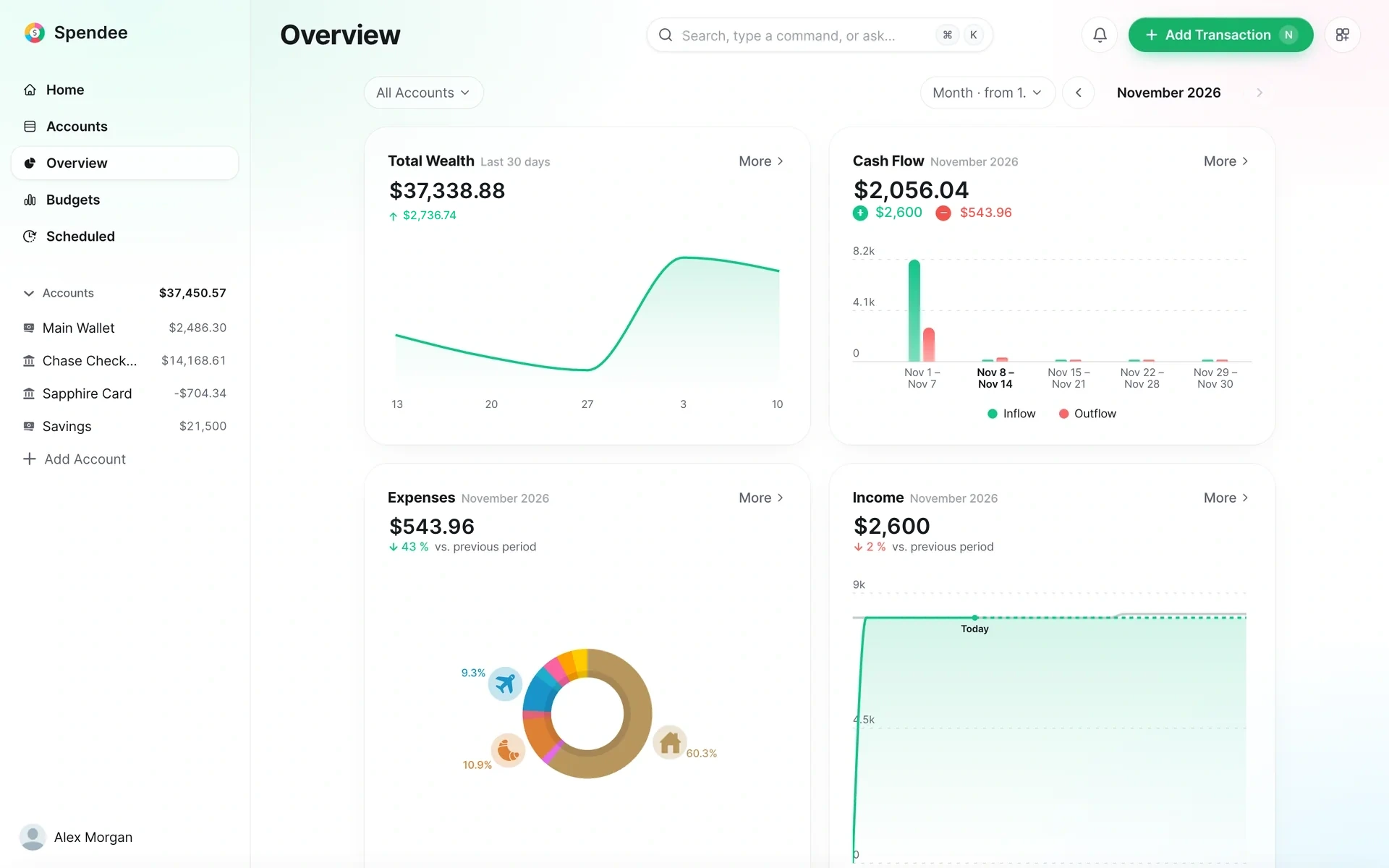
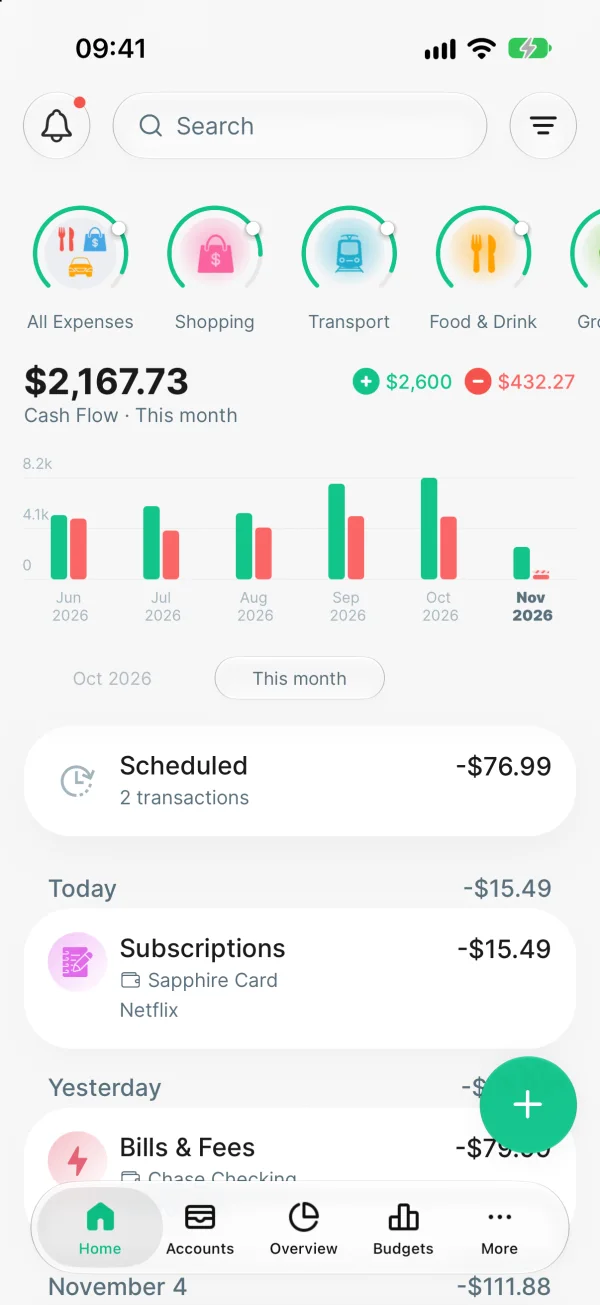
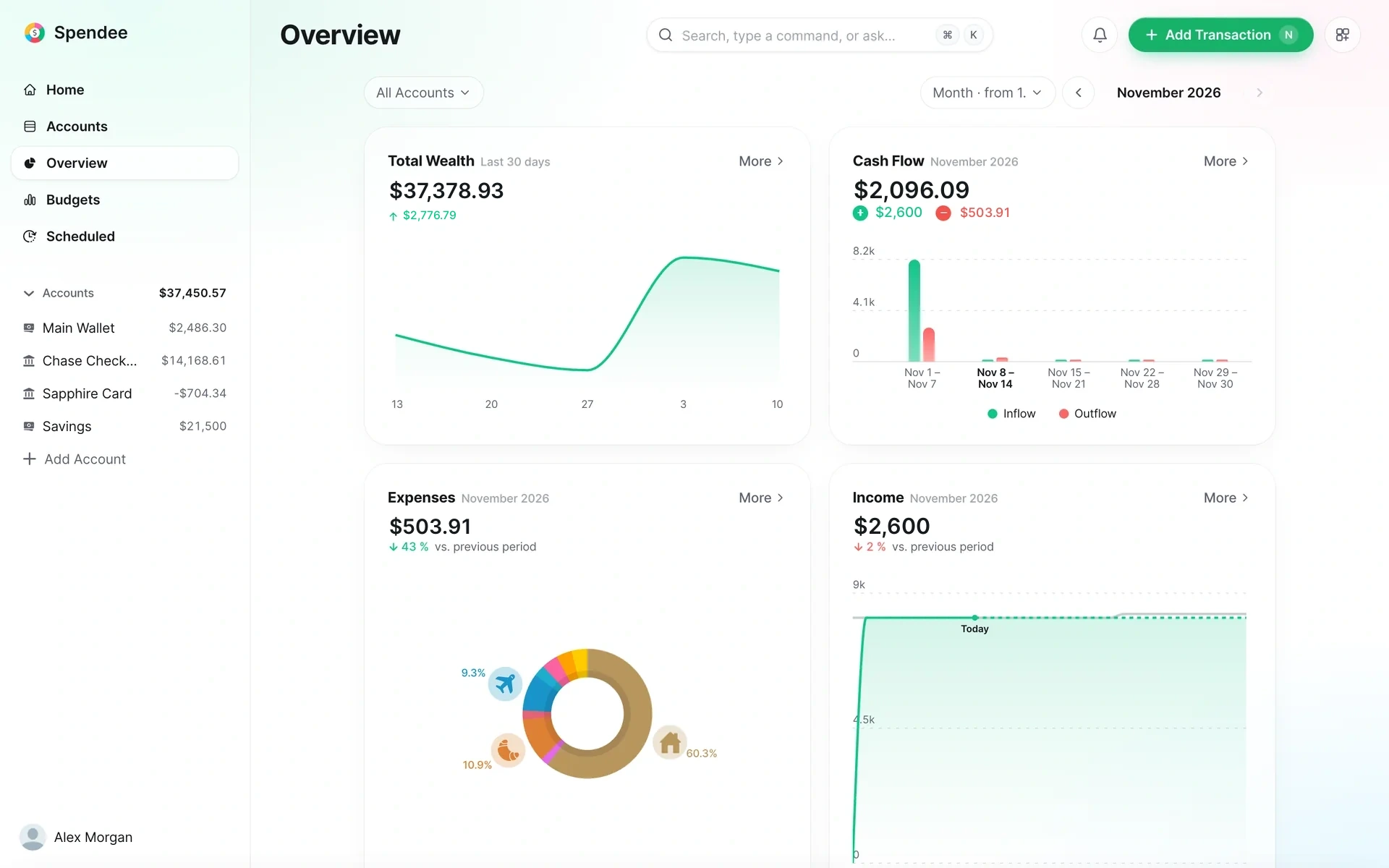
One account on every screen
Add a payment on your phone and it is on your tablet and in your browser a second later.
app.spendee.com

 Canada
 Argentina
 Australia
 Belgium
 Brazil
 BulgariaCanada
 Colombia
 Croatia
 Czechia
 Ecuador
 France
 Germany
 Greece
 Hong Kong SAR China
 Hungary
 India
 Indonesia
 Ireland
 Italy
 Japan
 Kazakhstan
 Malaysia
 Mexico
 Netherlands
 Peru
 Philippines
 Poland
 Portugal
 Romania
 Russia
 Singapore
 Slovakia
 Slovenia
 Spain
 Switzerland
 Taiwan
 Thailand
 Türkiye
 United Kingdom
 United States
 Vietnam Canada ArgentinaAustraliaBelgiumBrazilBulgariaCanadaColombiaCroatiaCzechiaEcuadorFranceGermanyGreeceHong Kong SAR ChinaHungaryIndiaIndonesiaIrelandItalyJapanKazakhstanMalaysiaMexicoNetherlandsPeruPhilippinesPolandPortugalRomaniaRussiaSingaporeSlovakiaSloveniaSpainSwitzerlandTaiwanThailandTürkiyeUnited KingdomUnited StatesVietnam
Connect your accounts, see every payment sorted for you, and always know what is left to spend.
4.6 on App Store
Our track record
Why Spendee
Money stress rarely comes from how much you have. It comes from not knowing where it goes. Spendee shows you, as it happens.
How it works
Connect your bank and your payments arrive by themselves. Cash and cards you add by hand, in a couple of taps.
Each one lands in a category. Add your own categories and labels, and the picture starts to look like your life.
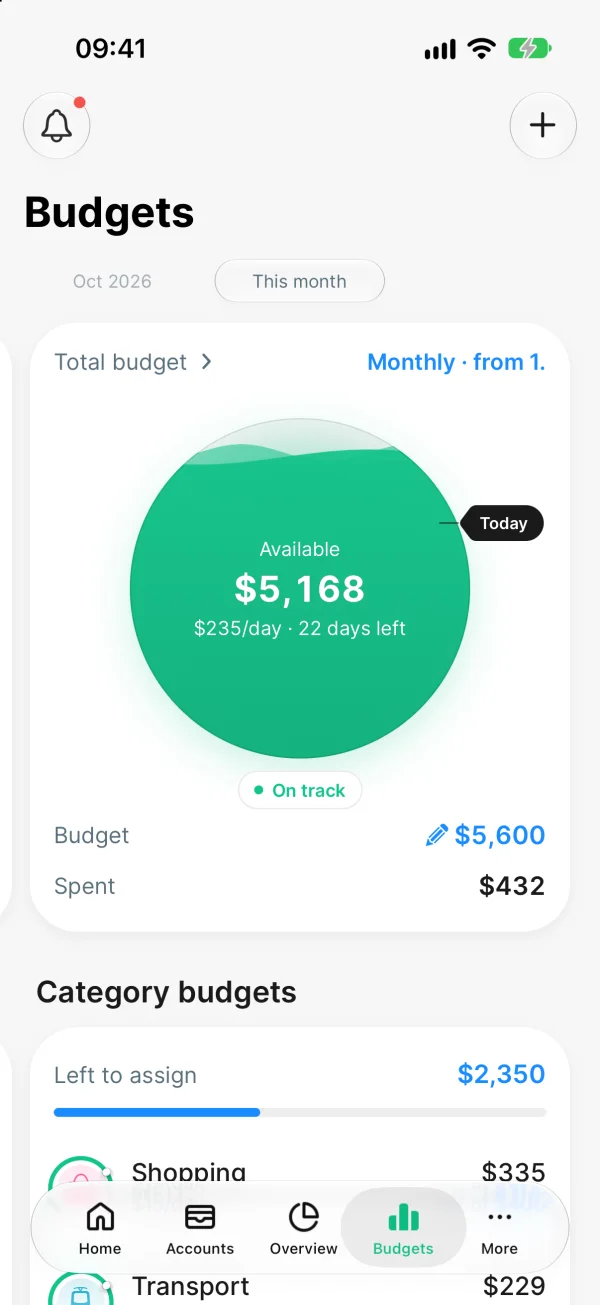
Your budget becomes one number for today, so you know before you spend, not after.
Features
Connect your bank once. New payments arrive already sorted.
One wallet for a home or a trip, where everyone sees the same numbers.
Photograph a receipt and the amount, date and category fill themselves in.
Spendee reads your payments so you can understand them. It never touches the money.
Your bank connection is
Your data is
SPENDEE a.s. · Privacy policy · About
Since it syncs up with the bank. The budget basically writes itself
Perfect budgeting toolWhether you’re looking to get some order in your finances or just track your expenses, Spendee will help you tremendously! Incredible tool.
Love it!It’s so easy to categorise and have an overview of my spending.
Still using it after 10 yearsI’m still using this app after 10 years and the history of ten years data gives me useful insights.
Spendee is free to use. Plus gives you more room to organize your money, and Premium connects your bank.
| FeatureApp Store · Canada | Free $0 | Plus $4.99 / month $39.99 / year −33% | Premium $10.99 / month $61.99 / year −53% |
|---|---|---|---|
| Manual entries | Included | Included | Included |
| Backup and sync across devices | Included | Included | Included |
| Unlimited wallets Free: one cash wallet | Not included | Included | Included |
| Unlimited budgets Free: your total budget | Not included | Included | Included |
| Shared wallets | Not included | Included | Included |
| Bank connection Over 9,000 banks | Not included | Not included | Included |
| Automatic categorization | Not included | Not included | Included |
Free $0
Plus $4.99 / month
$39.99 / year −33%
Free +
Premium $10.99 / month
$61.99 / year −53%
Plus +
App Store · Canada
Yes. You can download Spendee and use it without paying. The free plan includes manual entries, backup and sync, one cash wallet, your total budget and CSV export.
Plus gives you unlimited wallets, budgets and labels, shared wallets and Excel export. Premium includes everything in Plus and adds bank connection with automatic import and categorization, and e-wallets and crypto wallets.
In the app, open More and tap the plan row at the top. You pay through your App Store or Google Play account and can cancel any time in the store. A free trial may be offered.
Read-only access through licensed open-banking providers. Spendee can never move your money.
iPhone, iPad, Android, Web. Add a payment on your phone and it is on your tablet and in your browser a second later.
Free to download. Your first budget takes two minutes.