
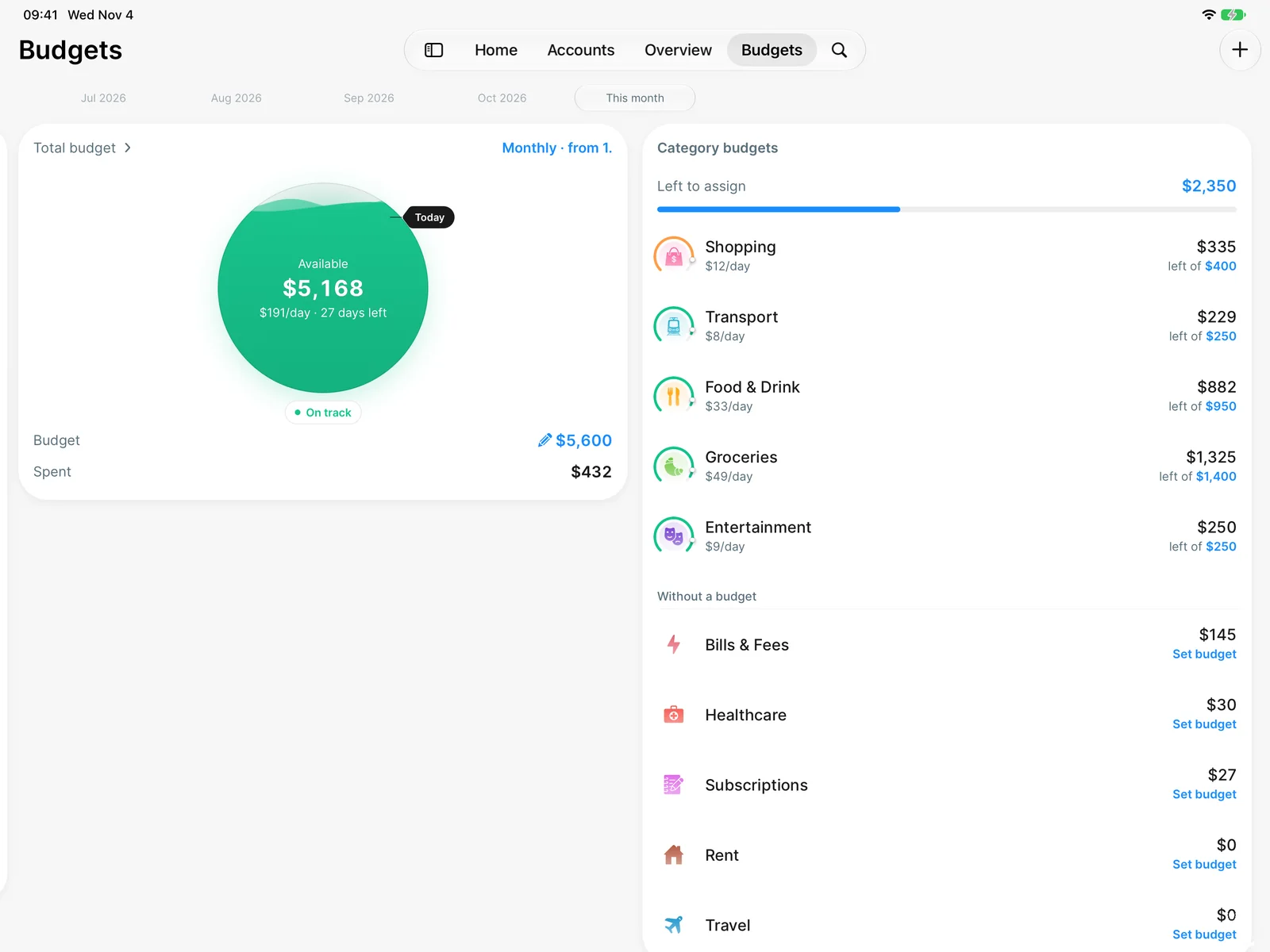




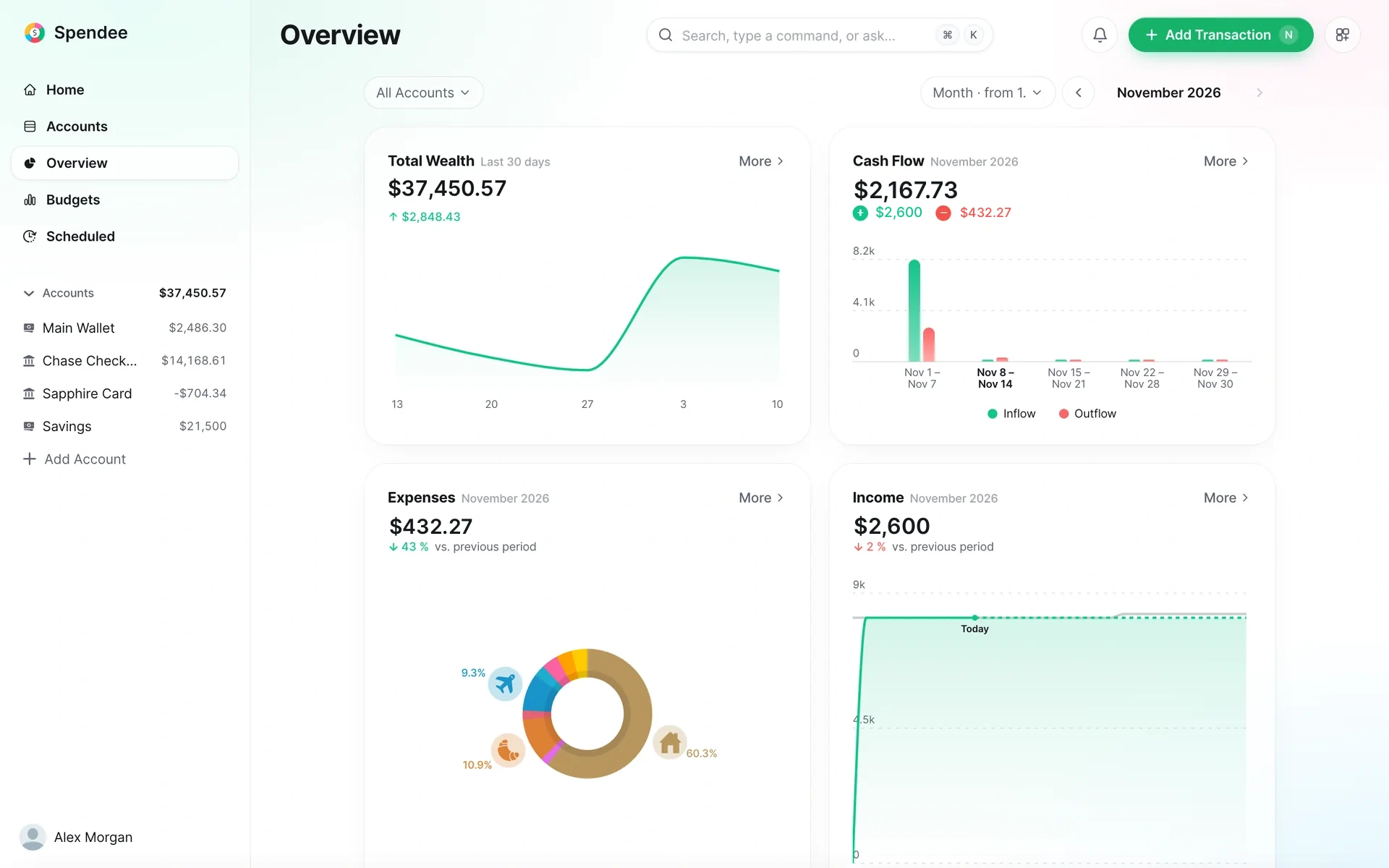
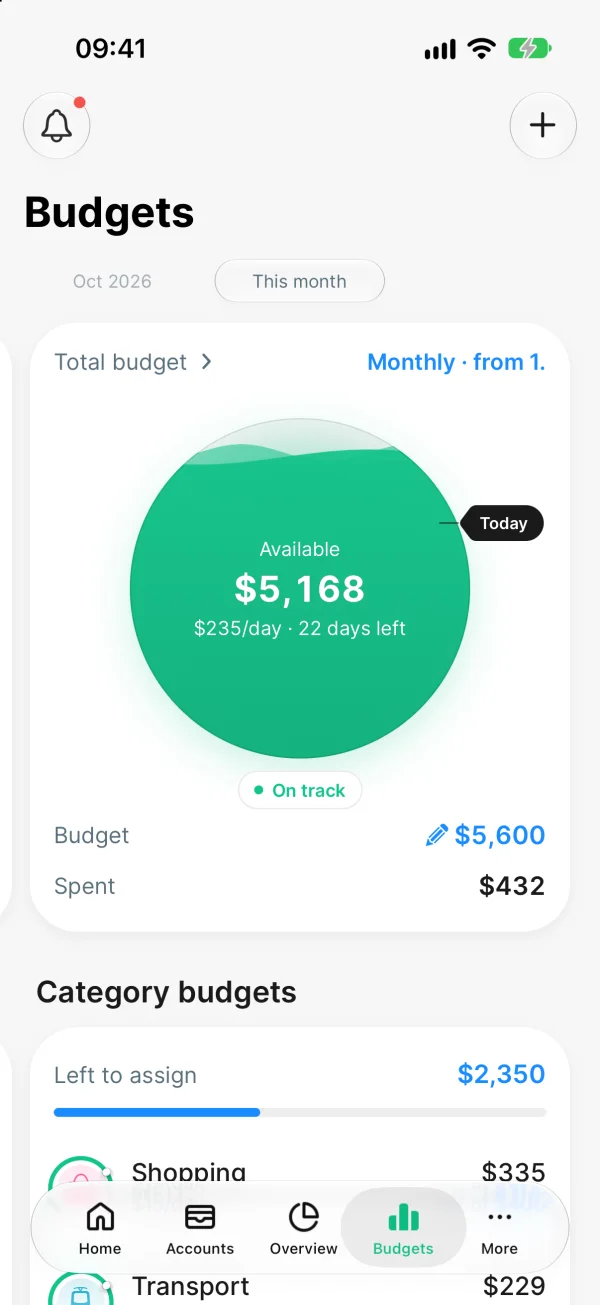
One account on every screen
Add a payment on your phone and it is on your tablet and in your browser a second later.
app.spendee.com

 US
 Argentina
 Australia
 Belgium
 Brazil
 Bulgaria
 Canada
 Colombia
 Croatia
 Czechia
 Ecuador
 France
 Germany
 Greece
 Hong Kong SAR China
 Hungary
 India
 Indonesia
 Ireland
 Italy
 Japan
 Kazakhstan
 Malaysia
 Mexico
 Netherlands
 Peru
 Philippines
 Poland
 Portugal
 Romania
 Russia
 Singapore
 Slovakia
 Slovenia
 Spain
 Switzerland
 Taiwan
 Thailand
 Türkiye
 United KingdomUnited States
 Vietnam US ArgentinaAustraliaBelgiumBrazilBulgariaCanadaColombiaCroatiaCzechiaEcuadorFranceGermanyGreeceHong Kong SAR ChinaHungaryIndiaIndonesiaIrelandItalyJapanKazakhstanMalaysiaMexicoNetherlandsPeruPhilippinesPolandPortugalRomaniaRussiaSingaporeSlovakiaSloveniaSpainSwitzerlandTaiwanThailandTürkiyeUnited KingdomUnited StatesVietnam
Budget app
Set a budget for the week or the month, split it by category, and see one number: what you can still spend today.
Set one total budget for the week or the month. Spendee shows what is left, how much that is for each day and how many days remain.
See where the month goes, category by category, and give any category a limit of its own. Left to assign shows how much of the total has no category yet.
The total budget counts spending from all the wallets in your overview: cash, cards and bank accounts.
Connect your bank and new payments arrive already sorted into categories. They count towards your budgets without typing.
Choose the period and the day it starts, for example the day you are paid.
A separate budget for a holiday or a renovation, with its own categories, accounts and end date.
Spendee tells you when you reach 75%, 90% and 100% of a total or custom budget.
Swipe back to see how each week or month ended.
Since it syncs up with the bank. The budget basically writes itself
Your total budget is free. Category budgets and unlimited custom budgets are part of Plus, and Premium connects your bank.
| FeatureApp Store · United States | Free $0 | Plus $3.99 / month $27.99 / year −42% | Premium $7.99 / month $44.99 / year −53% |
|---|---|---|---|
| Manual entries | Included | Included | Included |
| Backup and sync across devices | Included | Included | Included |
| Unlimited wallets Free: one cash wallet | Not included | Included | Included |
| Unlimited budgets Free: your total budget | Not included | Included | Included |
| Shared wallets | Not included | Included | Included |
| Bank connection Over 9,000 banks | Not included | Not included | Included |
| Automatic categorization | Not included | Not included | Included |
Free $0
Plus $3.99 / month
$27.99 / year −42%
Free +
Premium $7.99 / month
$44.99 / year −53%
Plus +
App Store · United States
Yes. The free plan has no time limit and includes your total budget, manual entries, and backup and sync across your devices. Category budgets and unlimited custom budgets are part of Plus, which costs $3.99 a month or $27.99 a year on the US App Store.
Yes. A budget runs weekly or monthly, and you choose the first day of the period. Category budgets use the same period as the total budget.
Yes, on the Premium plan. Spendee connects read-only through licensed open-banking partners (Salt Edge and Plaid), with bank lists for 36 countries. Payments come in sorted into categories and count towards your budgets. Without a bank connection you add a payment by hand in a couple of taps.
You can share a wallet, so both of you add payments and see the same numbers. Budgets themselves are personal: each of you sets your own, and a budget can count the shared wallet.
Spendee notifies you when you reach 75%, 90% and 100% of your total budget or a custom budget. For a category budget, you are notified when it is used up.
iPhone, iPad, Android, Web. Add a payment on your phone and it is on your tablet and in your browser a second later.