
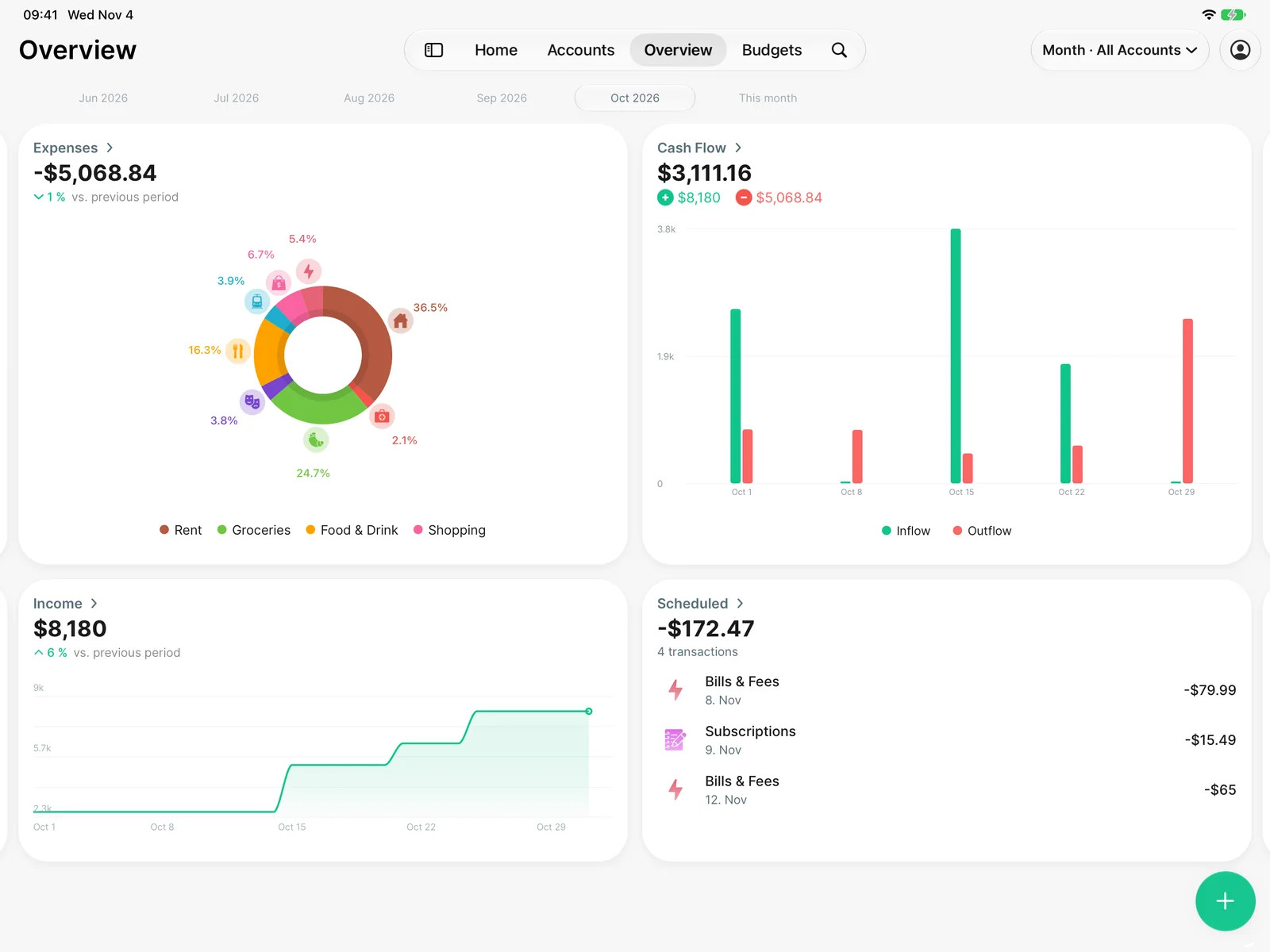




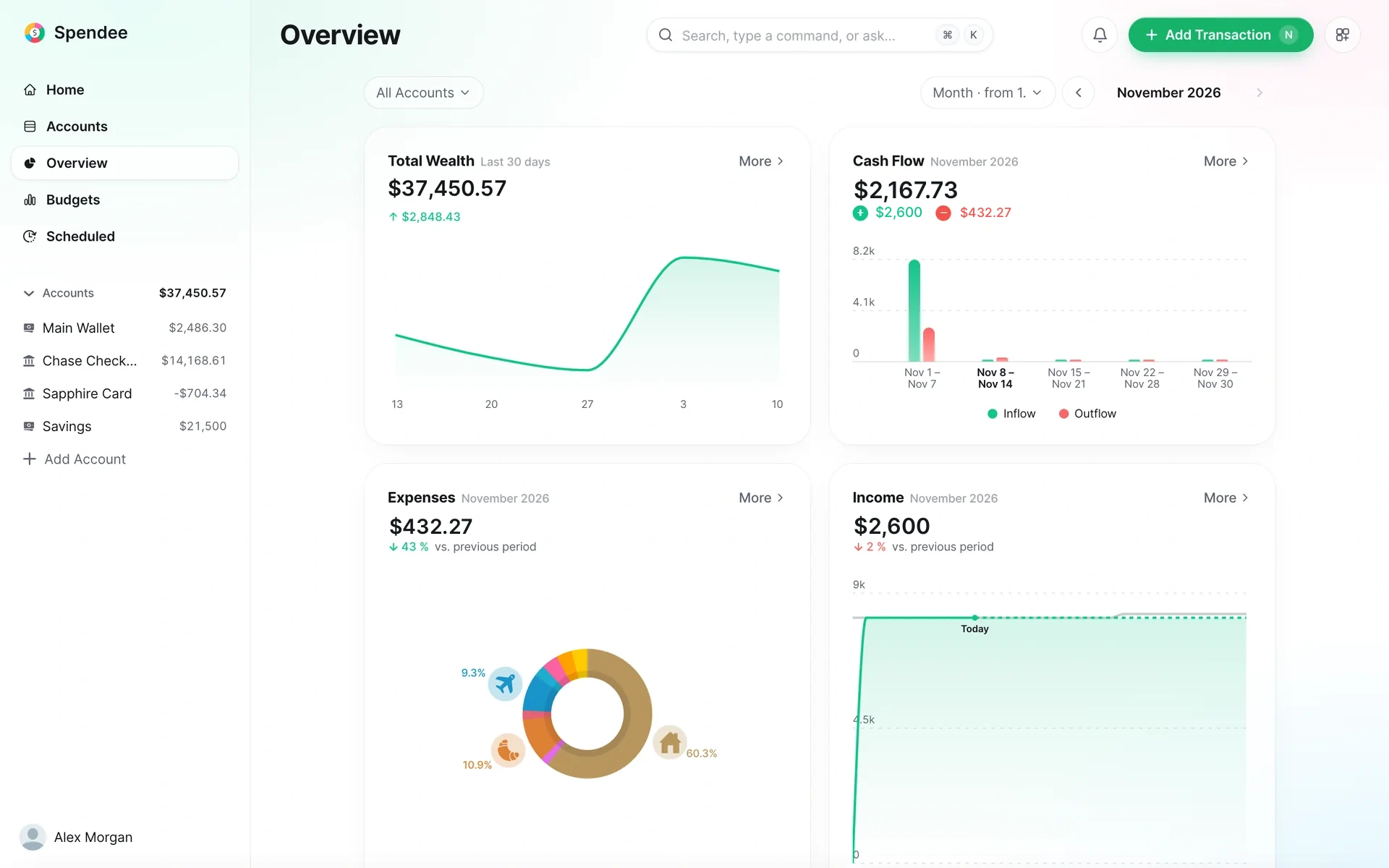
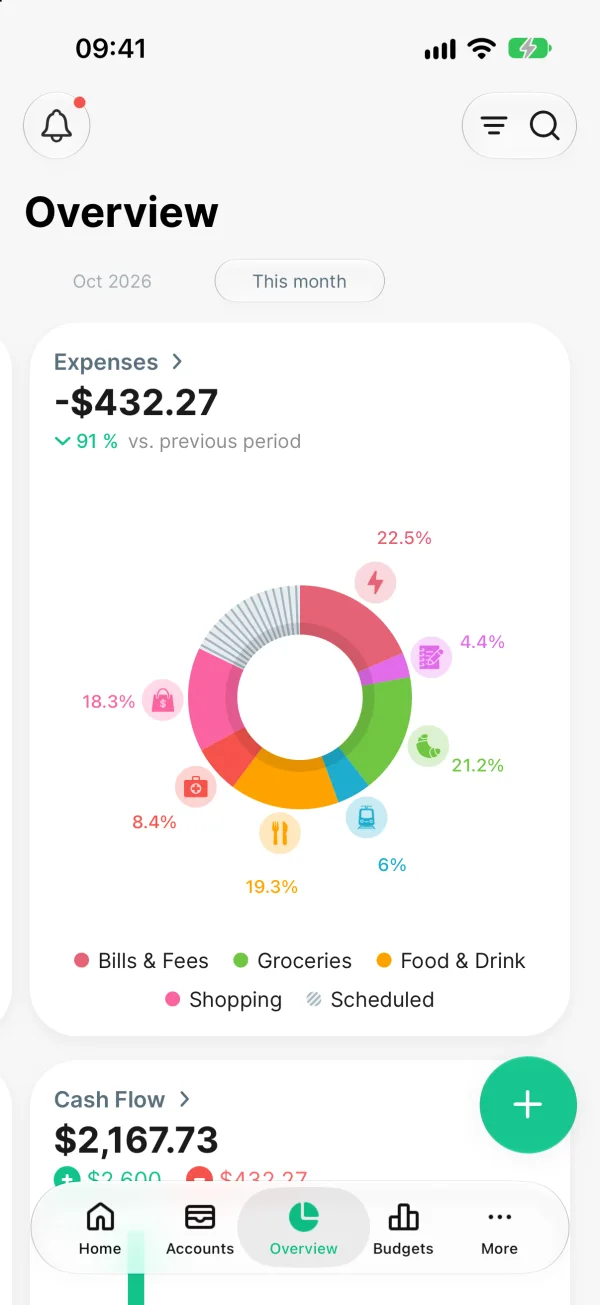
One account on every screen
Add a payment on your phone and it is on your tablet and in your browser a second later.
app.spendee.com

 US
 Argentina
 Australia
 Belgium
 Brazil
 Bulgaria
 Canada
 Colombia
 Croatia
 Czechia
 Ecuador
 France
 Germany
 Greece
 Hong Kong SAR China
 Hungary
 India
 Indonesia
 Ireland
 Italy
 Japan
 Kazakhstan
 Malaysia
 Mexico
 Netherlands
 Peru
 Philippines
 Poland
 Portugal
 Romania
 Russia
 Singapore
 Slovakia
 Slovenia
 Spain
 Switzerland
 Taiwan
 Thailand
 Türkiye
 United KingdomUnited States
 Vietnam US ArgentinaAustraliaBelgiumBrazilBulgariaCanadaColombiaCroatiaCzechiaEcuadorFranceGermanyGreeceHong Kong SAR ChinaHungaryIndiaIndonesiaIrelandItalyJapanKazakhstanMalaysiaMexicoNetherlandsPeruPhilippinesPolandPortugalRomaniaRussiaSingaporeSlovakiaSloveniaSpainSwitzerlandTaiwanThailandTürkiyeUnited KingdomUnited StatesVietnam
Expense tracker
Add a payment in a couple of taps, or connect your bank and let payments arrive by themselves. Each one lands in a category, so the month explains itself.
Each payment lands in a category. Add your own categories and labels, and see which ones take the most.
Take a photo of a receipt and Spendee fills in the amount, the date, the shop and the category. You check it and save.
Connect your bank and new payments come in by themselves, already sorted. Correct a category once and Spendee remembers it for that merchant.
Put a budget on top of your spending and Spendee turns it into one number for today.
Record income next to expenses and see both by category and over time.
Set rent or a bill to repeat, and count what is still to come this month.
Your balance, expenses, cash flow or budgets on your home screen.
Send your transactions to a CSV file, or to Excel on a paid plan.
Since it syncs up with the bank. The budget basically writes itself
Adding payments by hand, your own categories and one cash wallet are free. Plus adds unlimited wallets and labels, and Premium connects your bank.
| FeatureApp Store · United States | Free $0 | Plus $3.99 / month $27.99 / year −42% | Premium $7.99 / month $44.99 / year −53% |
|---|---|---|---|
| Manual entries | Included | Included | Included |
| Backup and sync across devices | Included | Included | Included |
| Unlimited wallets Free: one cash wallet | Not included | Included | Included |
| Unlimited budgets Free: your total budget | Not included | Included | Included |
| Shared wallets | Not included | Included | Included |
| Bank connection Over 9,000 banks | Not included | Not included | Included |
| Automatic categorization | Not included | Not included | Included |
Free $0
Plus $3.99 / month
$27.99 / year −42%
Free +
Premium $7.99 / month
$44.99 / year −53%
Plus +
App Store · United States
Yes. The free plan has no time limit: you add payments by hand, use your own categories, keep one cash wallet and your total budget, and your data syncs across your devices. Plus adds unlimited wallets, budgets and labels for $3.99 a month or $27.99 a year on the US App Store.
No. You can add every payment by hand in a couple of taps. Bank connection is optional and part of Premium. Spendee connects read-only through licensed open-banking partners (Salt Edge and Plaid), with bank lists for 36 countries.
Yes. You record income and expenses in the same wallets, and Overview shows both by category and over time, for a week, a month, a year or your own dates.
Yes. Each wallet has its own currency, and you can record a single payment in another currency. Overview shows every amount in your main currency.
Yes. On the Free plan you can export CSV files for the last 30, 90 or 365 days. Excel files, all history and a custom period need a paid plan. The file arrives in your email.
iPhone, iPad, Android, Web. Add a payment on your phone and it is on your tablet and in your browser a second later.